 ippiClock
A bedside clock that stays out of your way.
ippiClock turns your Android phone into a dim, glanceable night clock while it charges, with forecasts, alerts, and radar from the National Weather Service.
$1.99, one time. No ads, no subscriptions, no tracking.
Coming soon to Google Play
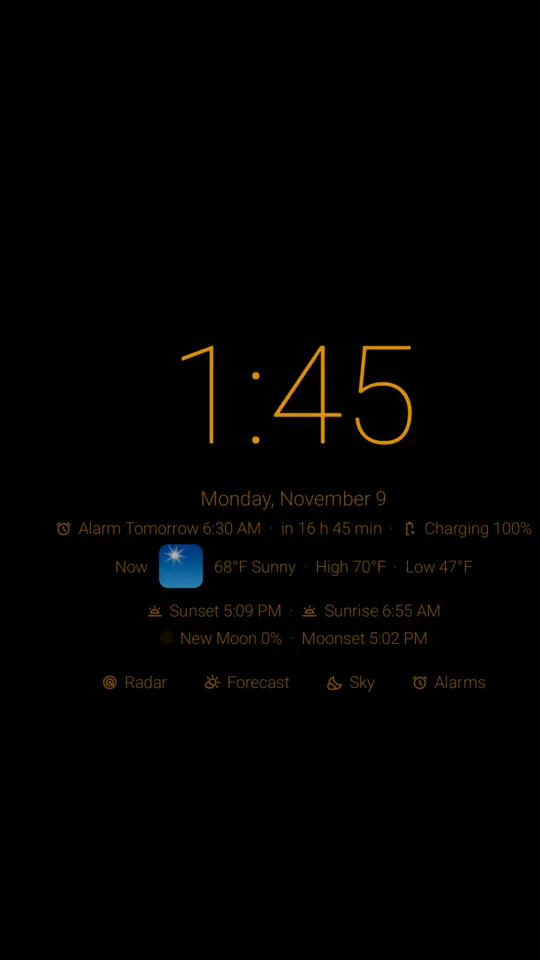
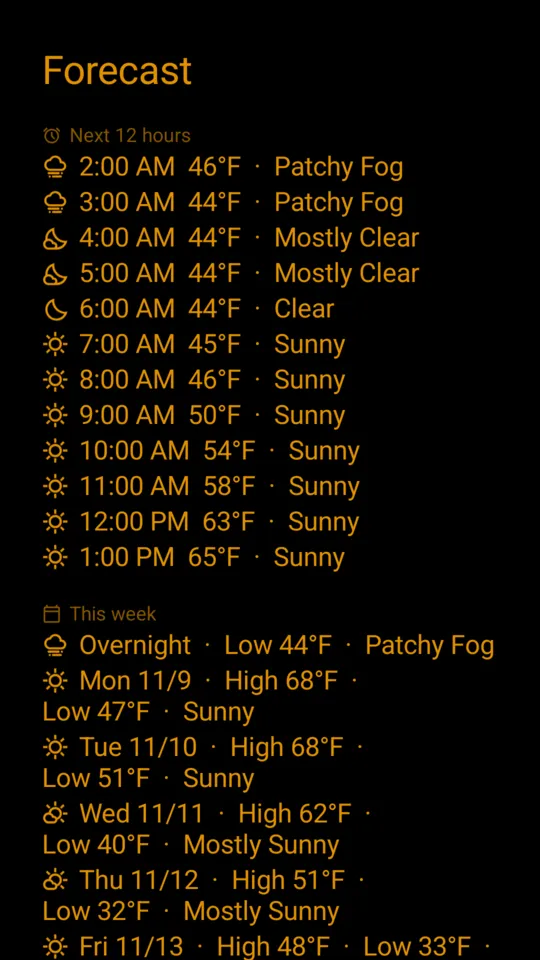
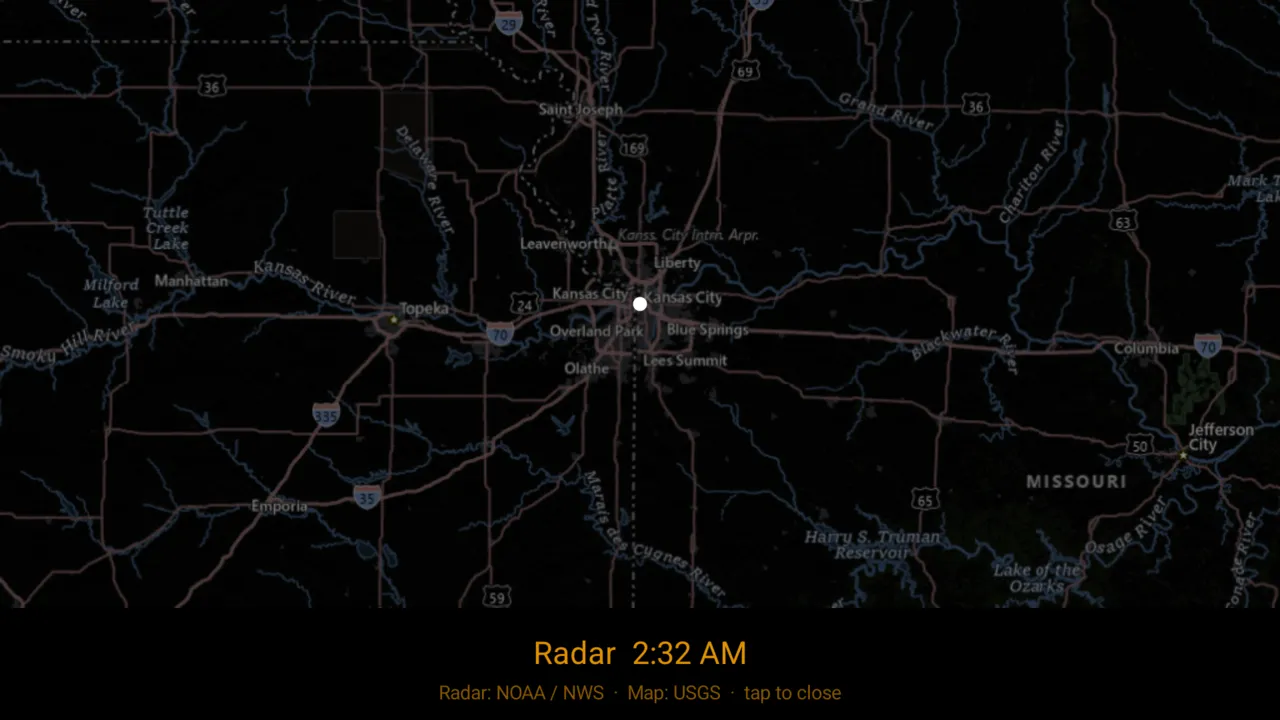
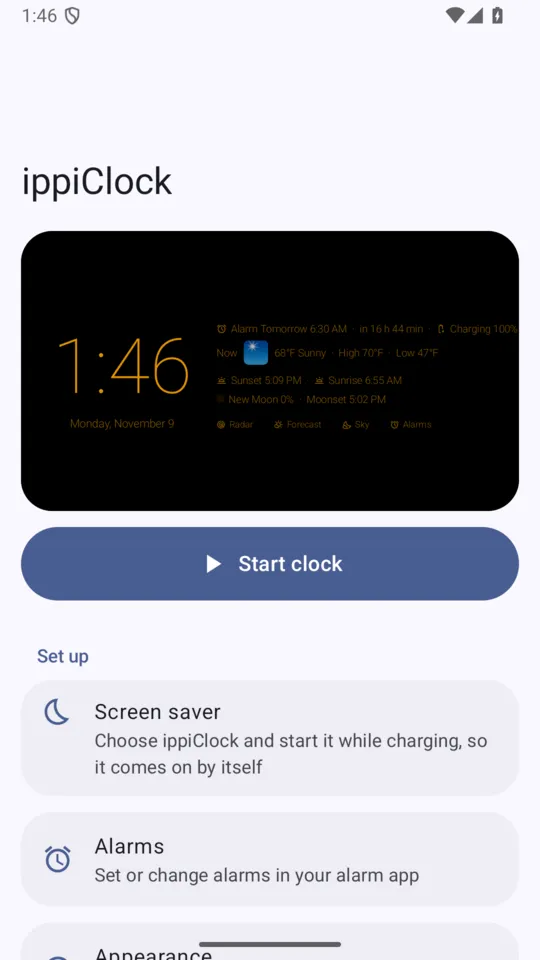
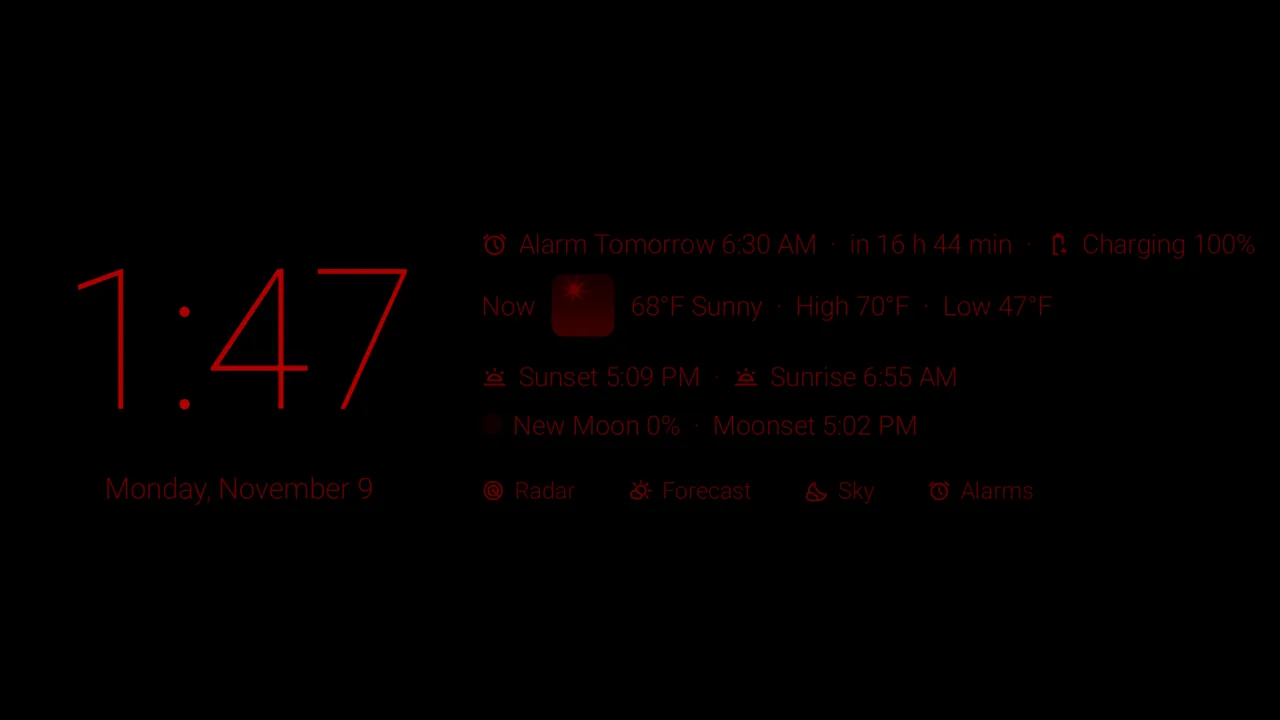
Click a screenshot to enlarge it.
Made for the dark
- Very low brightness, lower than your phone normally goes
- Red night mode, on a schedule or from sunset to sunrise
- Optional dimming that follows the light in your room
- Tap once to brighten for a few seconds, tap again to close
- The clock drifts slightly to protect your screen
Weather from the National Weather Service
- The temperature now, tonight's low, and tomorrow's high and forecast
- Tap for the next 12 hours and the week ahead
- Watches and warnings for where you are; severe warnings can wake the screen
- Animated radar loop over a night-friendly map
- Rain, snow or storms coming in the next 12 hours
- °F or °C
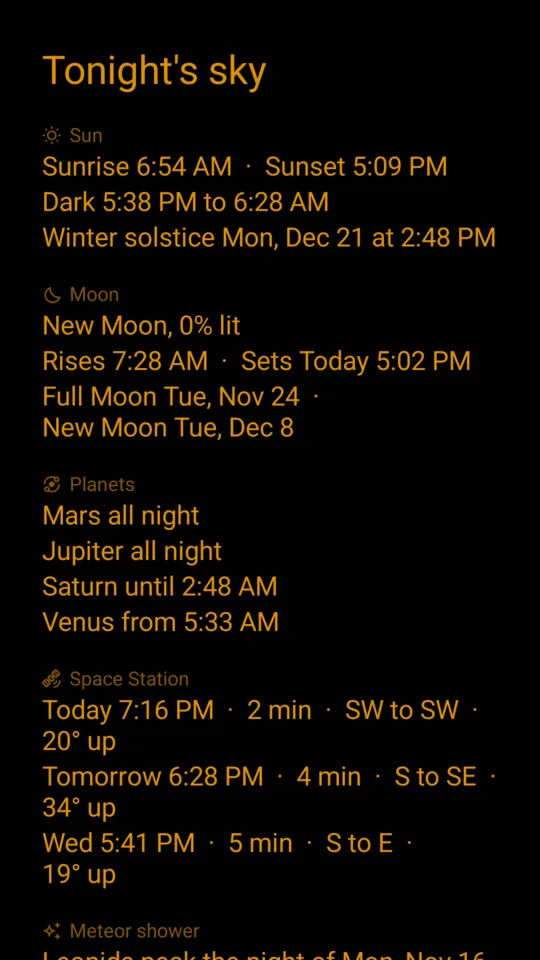
Tonight's sky
- Moon phase, moonrise and moonset
- Which planets are up tonight, and when
- Space Station passes you can see
- Meteor shower peaks, eclipses you can see from home, and northern lights alerts
Wake up gently
- The screen slowly brightens to a warm sunrise before your alarm
Your clock, your way
- Colors, fonts, size and date style
- Choose which lines show: next alarm, battery, weather, calendar, sunrise and sunset, moon
- Optional Home Assistant buttons for your lights and scenes
Comes on by itself
Set ippiClock as your screen saver and it appears whenever your phone is charging. You can also start it anytime from the app or a home-screen shortcut.
Private by design
No accounts, ads, subscriptions, analytics or tracking. Your approximate location goes only from your phone to U.S. government weather services, never to us. Sun, moon, planet and eclipse times are worked out on your phone.
One-time purchase
Pay once. No ads, ever.
United States only
Weather, alerts, and radar come from the U.S. National Weather Service and work only in the United States and its territories. The clock itself works anywhere.
Not for safety
ippiClock is not an official National Weather Service product, and weather information may be delayed or unavailable. Keep Wireless Emergency Alerts turned on, and rely on NOAA Weather Radio and local officials for warnings.
Questions
The clock never comes on by itself.
In Settings › Display › Screen saver, choose ippiClock and set it to start while charging. On Samsung phones, also make sure Developer options › Stay awake is off; that setting stops screen savers from ever starting.
Why US only?
The weather comes from the U.S. National Weather Service.


